- Type
- Generative AI
- Year
- 2026
- Role
- Pipeline design, overall direction
- Tools
- ComfyUI, Flux.2 Klein, LTX 2.3, Qwen, Gemma 3, ElevenLabs, Suno, DaVinci Resolve
The project
A cinematic trailer made with a fully automated pipeline in ComfyUI. The goal: a system able to generate hundreds of consistent sequences, from pre-production to final render.
Key points
Scalability
Automation makes it possible to produce a massive volume of shots.
Technical fidelity
A workflow up to film industry standards (ACEScg).
Overall direction
Supervision of every step, from prompt engineering to final assembly.
The pipeline in detail
From prompt to EXR master
Automatic prompt generation
Producing at scale means removing manual input while keeping narrative and visual consistency across hundreds of shots. I designed a system of interconnected LLM agents in ComfyUI.
- Gemma 3, the screenwriter: it receives the global instructions (script, mood, stakes) and breaks the sequences down into logical actions.
- Qwen 2.5 VL, the visual expert: it translates narrative intentions into technical descriptions optimised for image models, including the character references.
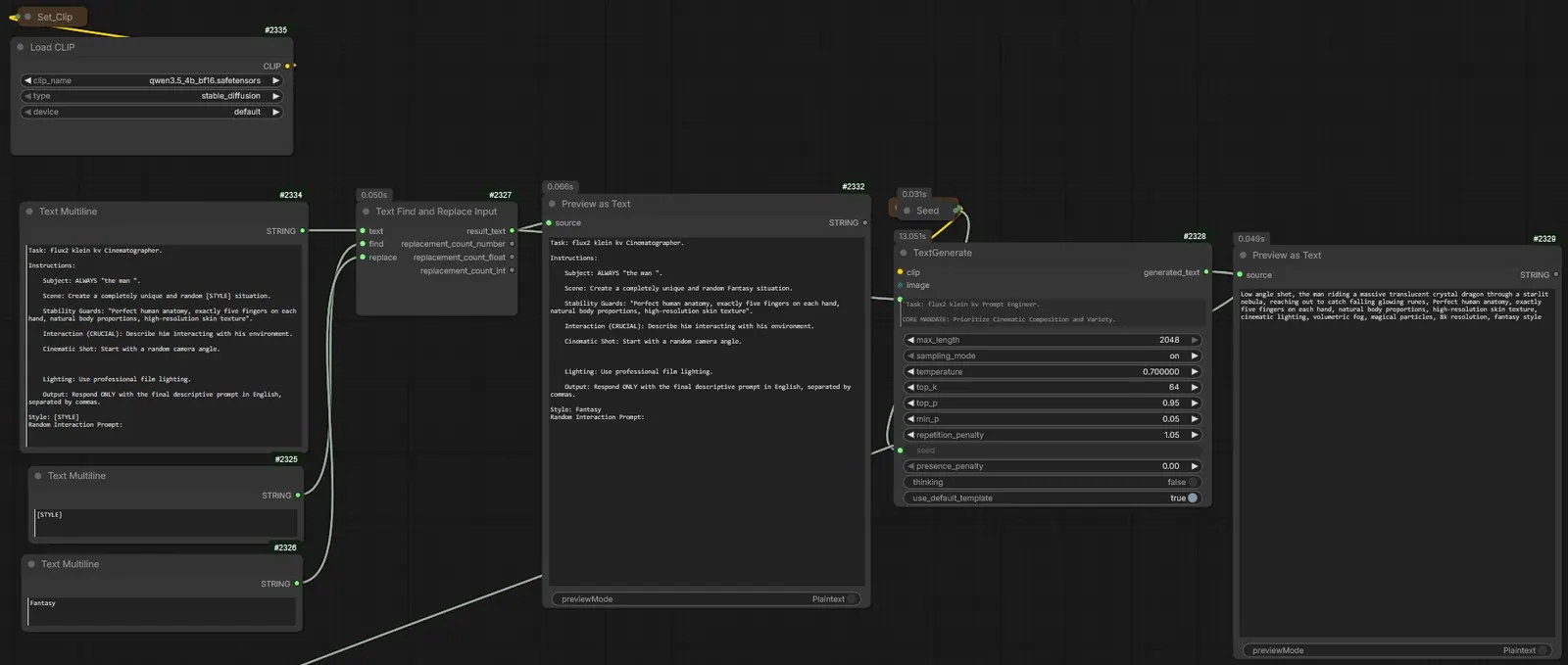
Generation loop
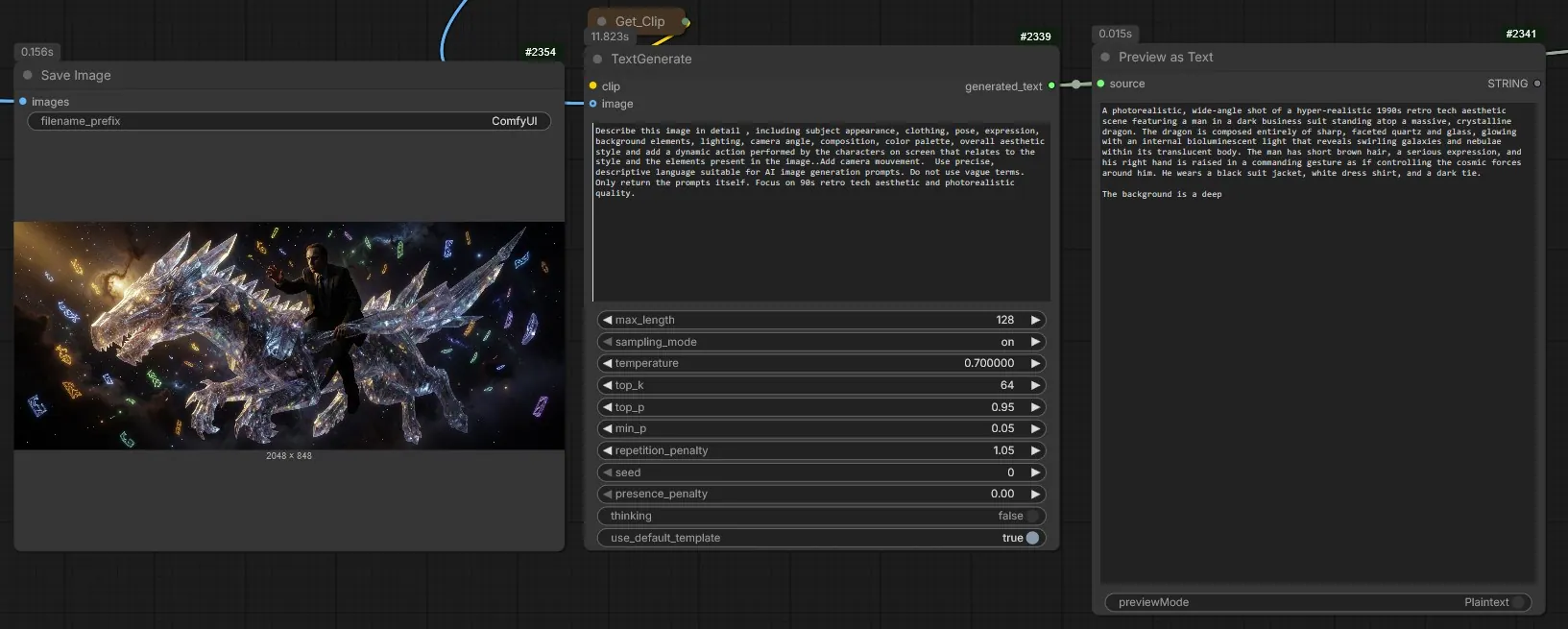
The system draws on a base of character sheets generated beforehand and receives a situation variable — a character running through a forest at night, for example. It then produces a structured block: subject and fixed attributes, action, environment, light and camera.
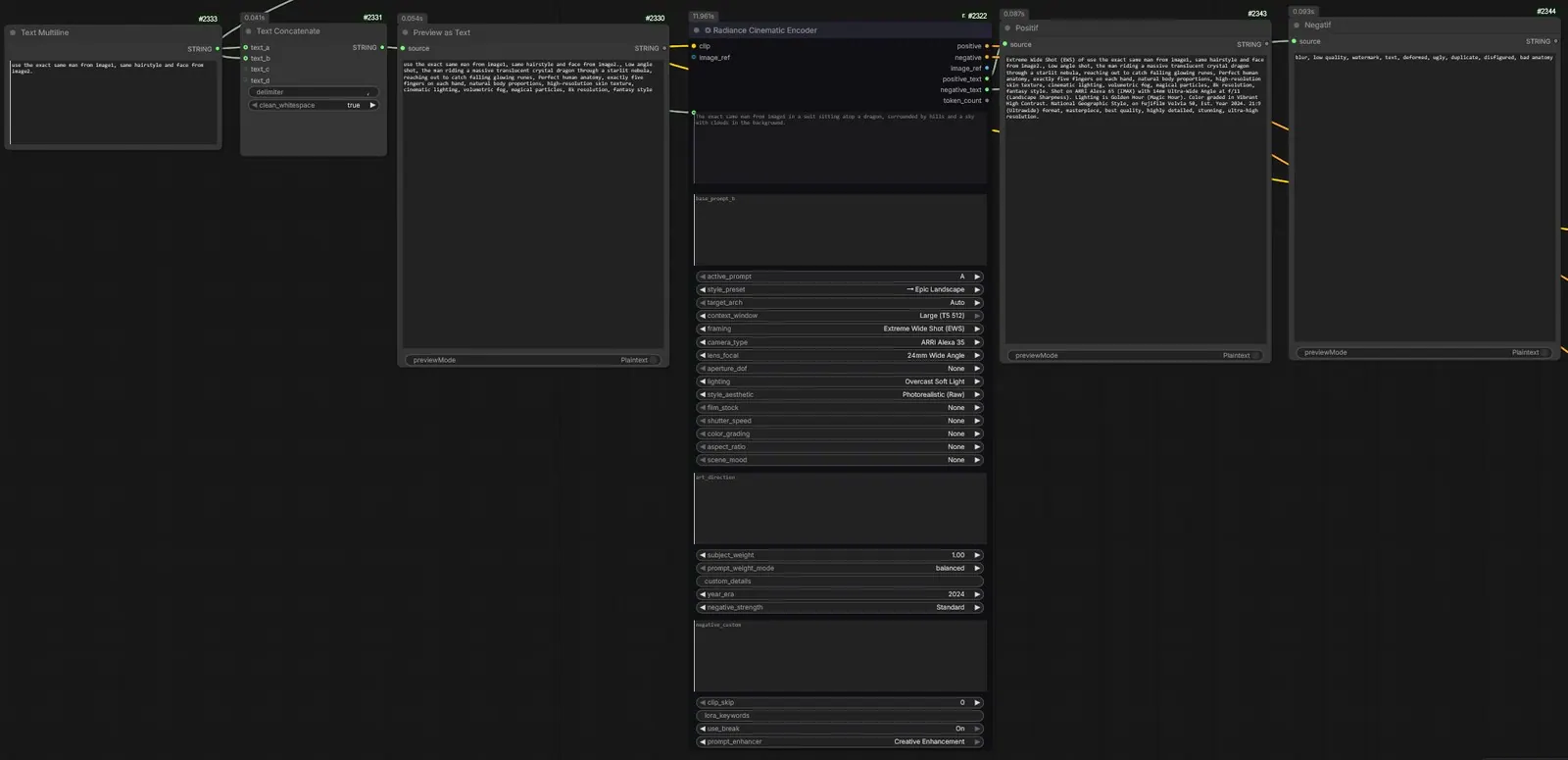
Character consistency and virtual camera
A locking instruction is automatically injected into every prompt, forcing the encoder to favour the physical traits of the reference images.
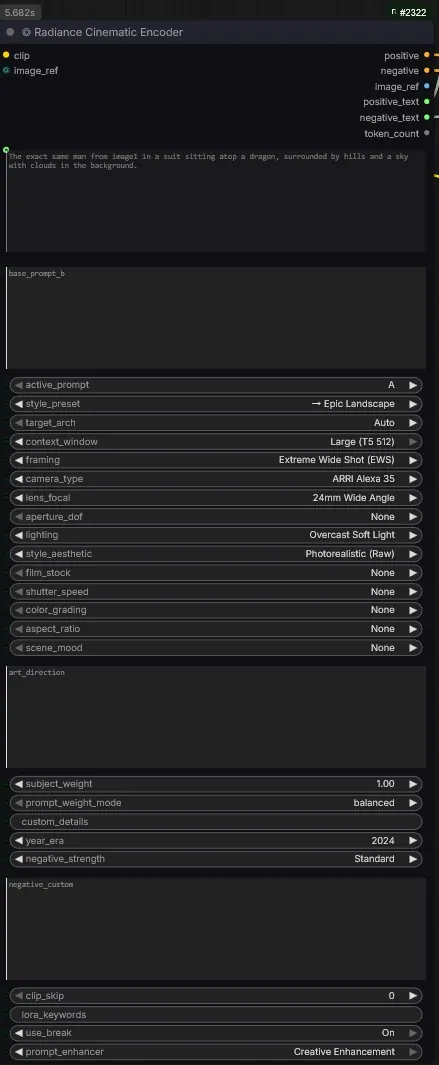
The Radiance Cinematic Encoder then acts as a virtual director of photography: it locks the camera angle, focal length, visual style and lighting.
Format and image generation
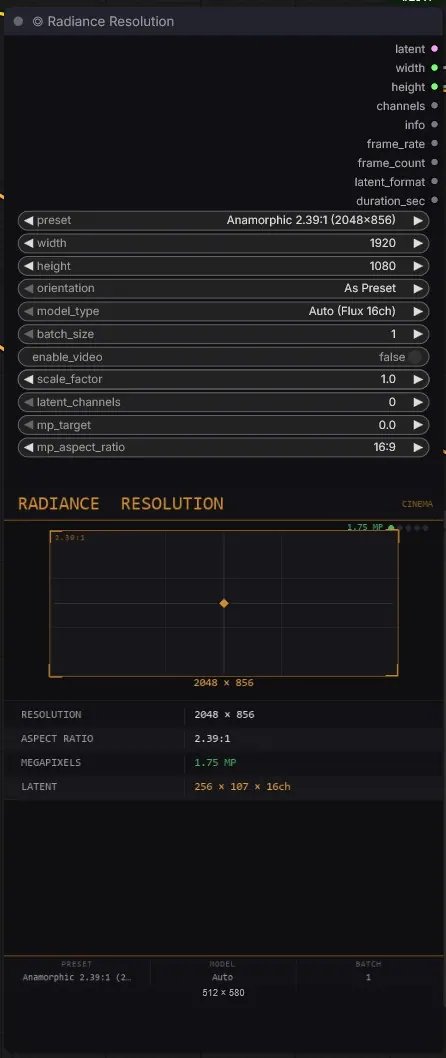
The chosen format is 2.39:1 anamorphic rather than 16:9. The resolution node computes the optimal size (2048 × 856, for example) to get the most out of the model.
Flux.2 Klein receives the prompts, a double character reference and Normalized Attention Guidance, which refines faces, hands and textures.
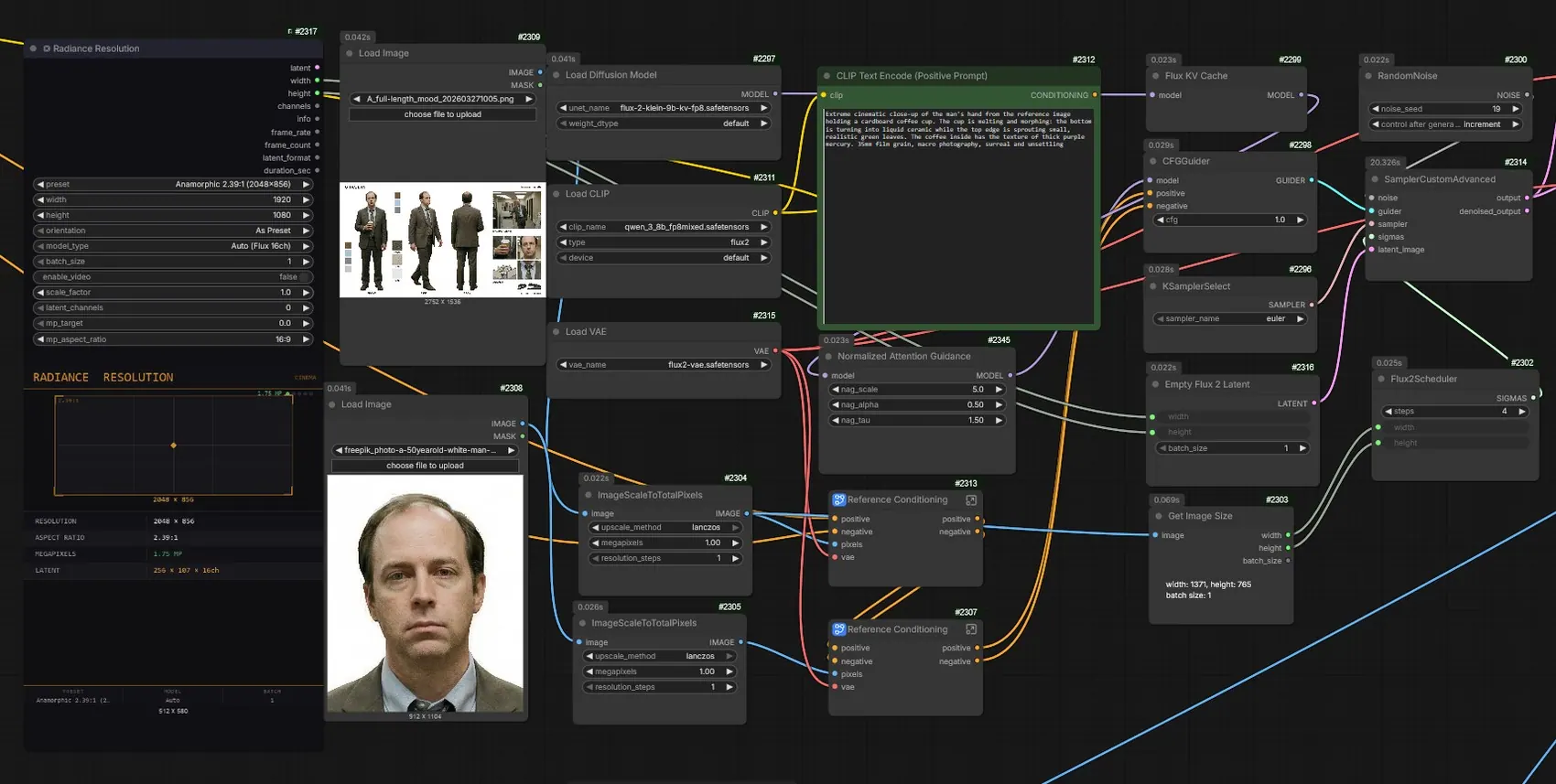
Colour management
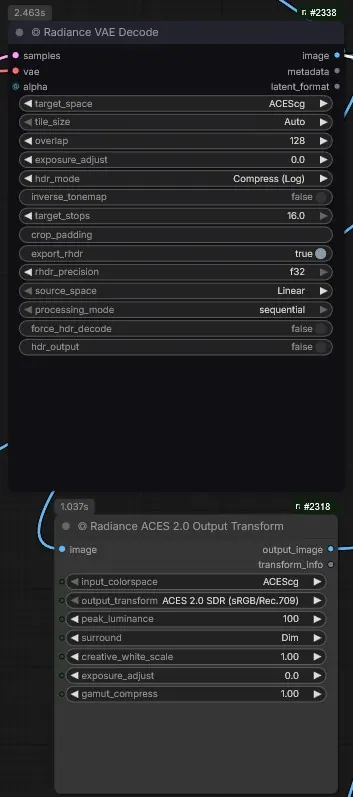
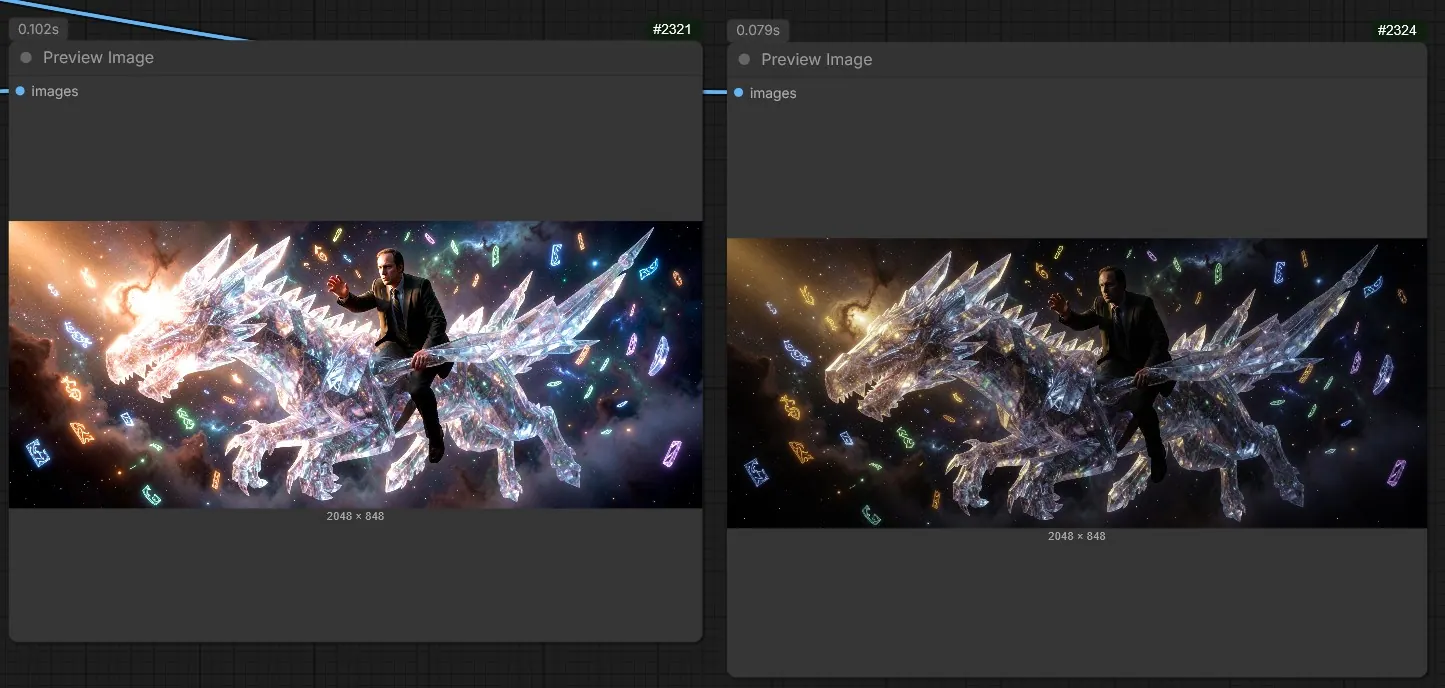
A full OCIO pipeline in ComfyUI: tiled 32-bit VAE decoding to preserve shadows and highlights, work in ACEScg, and a Display Transform (Rec.709 or sRGB) to judge the image during generation.
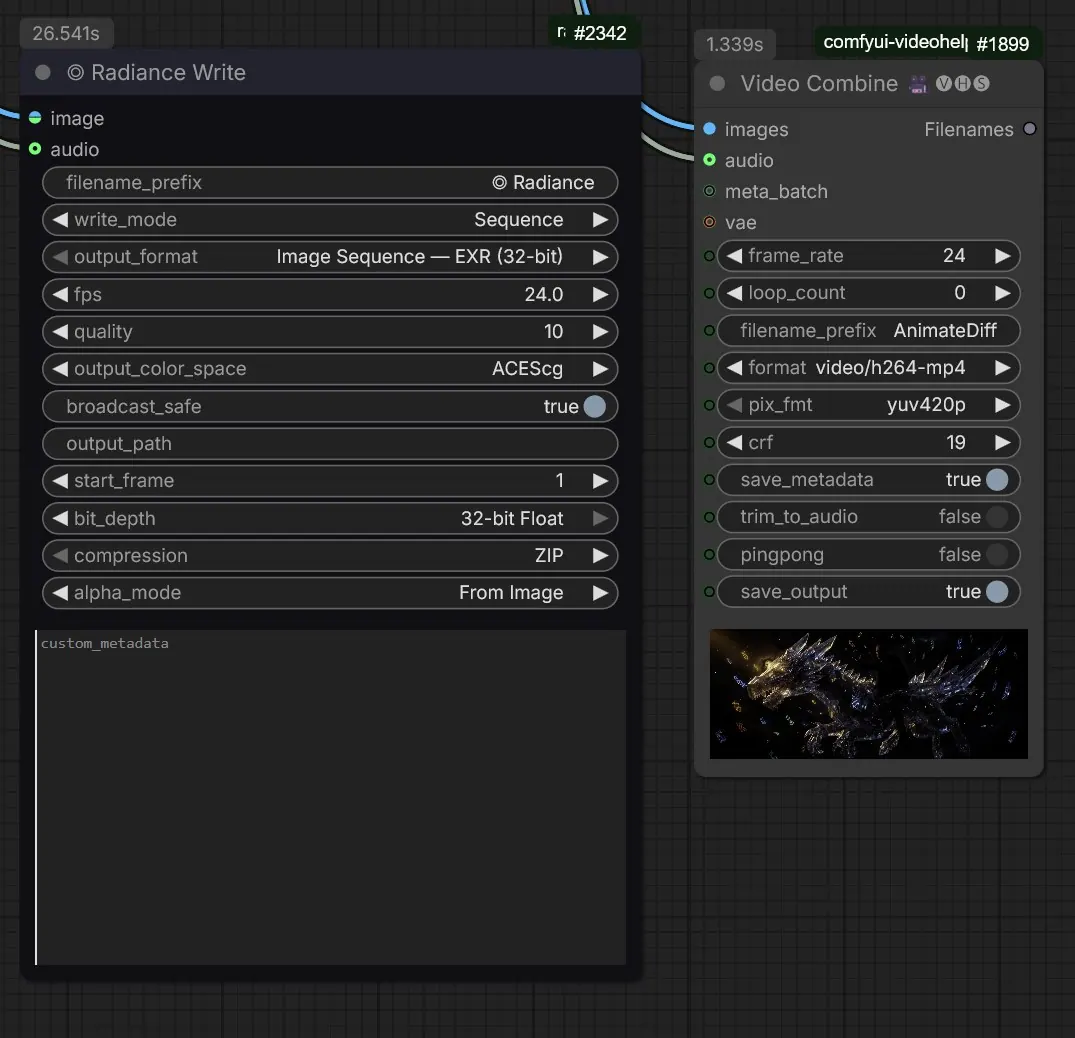
32-bit EXR export keeps the full grading latitude in DaVinci Resolve.
From image to video
Qwen analyses the generated image, infers a relevant action and writes the video prompt: fluid and particle dynamics, micro-movements, a dolly or a slow zoom.
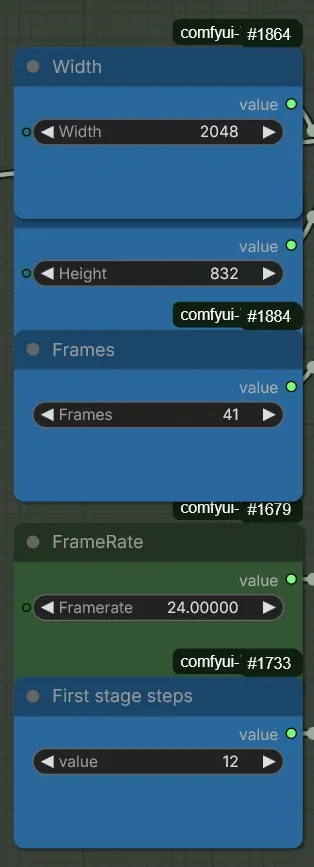
LTX 2.3 then animates the shot as image-to-video, at 2048 × 832 and 24 frames per second, anchored on the first frame.
Master and proxy export
Each shot comes out in two versions: a master as a 32-bit float EXR sequence locked in ACEScg, and an H.264 MP4 proxy to approve motion and pacing, then serve as an editing reference.
Node details